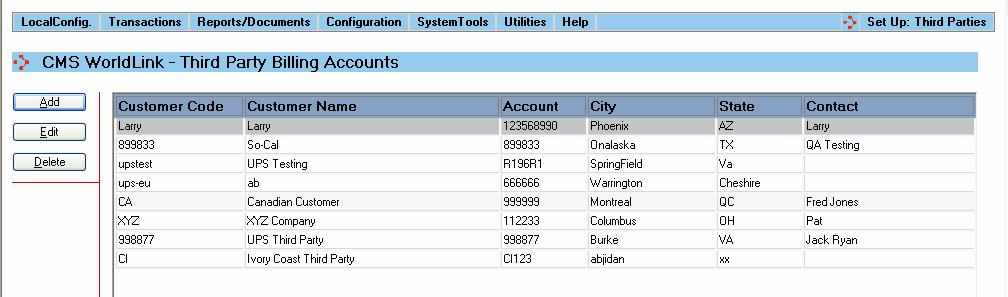
The Third Party Accounts support table allows for the entry of Third Party Accounts used by your business. Selecting this menu option produces a display like that shown below:
Summary information about the 3rd party accounts is displayed in the main part of the screen.
Available functions are:
Add - Click on this button to add a 3rd party account. The user will be presented with the 3rd Party Account Dialog window.
Edit - Click on this button to edit an existing 3rd party account. The user will be presented with the 3rd Party Account Dialog window.
Delete - Click on this button to delete a 3rd party account from the database. The user will be asked to confirm removal of the 3rd party account.