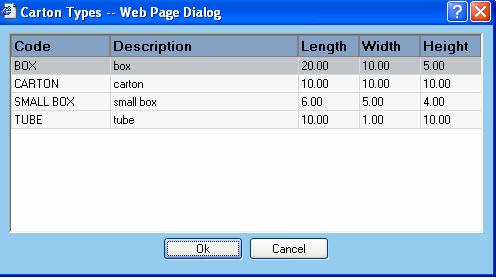
The Cartons support table allows for the entry of containers used for shipping. Selecting this menu option produces a search window where you can enter criteria to find certain Carton records. Enter your criteria, or leave blank to return all records. You will then be taken to the Cartons screen where you can add, edit and delete carton records. Summary information about the cartons are displayed in the main portion of the screen.
Available functions are:
Add - Click on this button to add a new carton. The user will be presented with the Carton Dialog window.
Edit - Click on this button to edit an existing carton. The user will be presented with the Carton Unit Dialog window.
Delete - Click on this button to delete a carton from the database. The user will be asked to confirm removal of the carton.
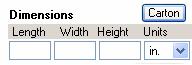
Note: In the shipping process screen when you click the 'Carton' button:
the Cartons list will be displayed in a dialog box. Select the item and click 'OK' or double an item.