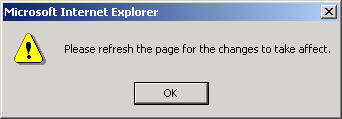
For some functions, you will need to refresh the browser window. This is necessary so that the correct data is processed when core information changes are made. When this occurs, you will see the following window:
Click the OK button and either hit the F5 key on your keyboard or maneuver to View | Refresh on the Internet Explorer browser window.
Note: When you change the site in 'station configuration' you need to log out and log in.
