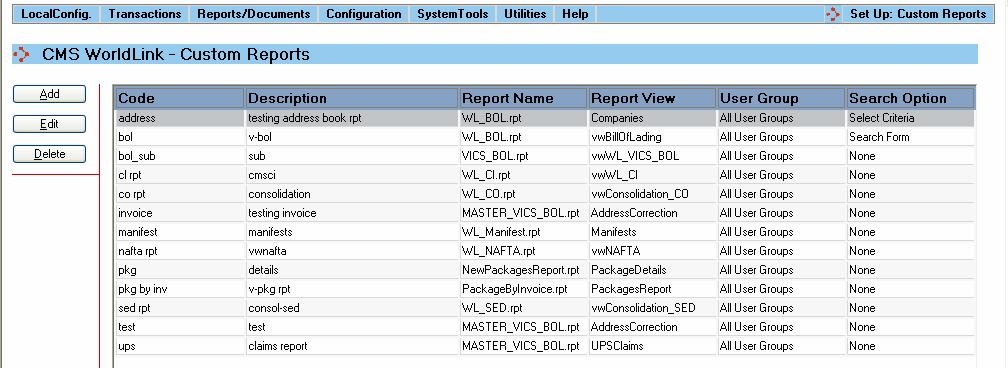
Select the Custom Reports menu option from the System Tools menu to configure reports customized for your business. The user will be presented with a screen like that shown below:
A summary of the customized reports are displayed in the main portion of the screen.
Available functions are:
Add - Click on this button to add a new custom report. The user will be presented with the Custom Report Dialog window.
Edit - Click on this button to edit an existing custom report. The user will be presented with the Custom Report Dialog window.
Delete - Click on this button to delete an existing custom report. The user will be prompted to confirm removal of the custom report from the WorldLink database.
Creating custom reports requires the Crystal Reports application. This section just allows the report to be defined for use in the WorldLink system.
Reports created need to be saved in the WLWEB30/CUSTOMER sub-directory where WorldLink was installed. Access rights to view the reports are managed by the respective user rights defined in the User Groups menu option.