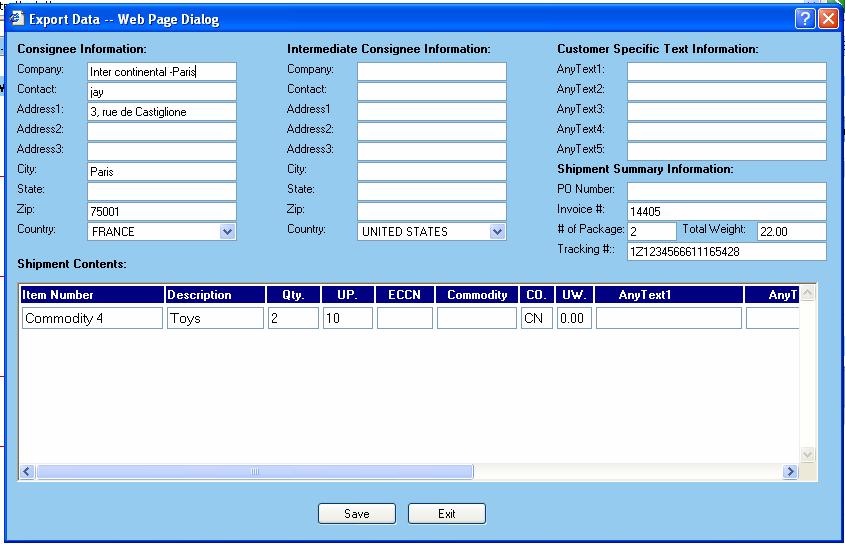
WorldLink provides the capability to edit and save any shipment data for a Consolidation Group. This task can be achieved by clicking on the “Create Docs” button or by using the function key “F8”.
You will need to perform this task after making any changes to a group. Also, this task is necessary to be able to view export documents.
Remember that the data displayed here is in a consolidated format and gets applied to the entire group as a whole, rather than individual shipments or packages. All the details displayed are grouped by an “Item Number” within the entire consolidation group.
Upon saving the data, you will be informed of the results returned by the WorldLink server.