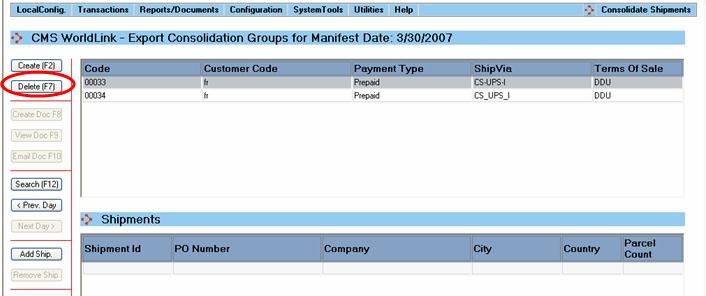
A selected consolidation group can be deleted by the user by clicking the Delete button or by using the F7 function key.
This action requires a user conformation and will perform the following steps:
All the associated shipments (if any), will become available to be added to another consolidation group.
Delete all the export documents.
Delete the consolidation group.