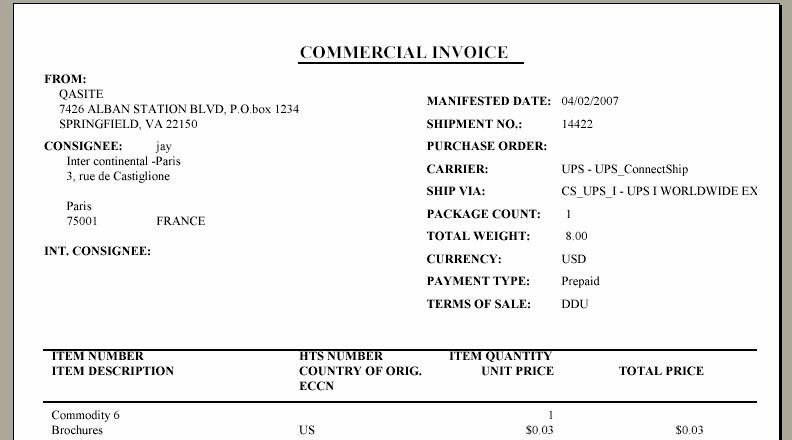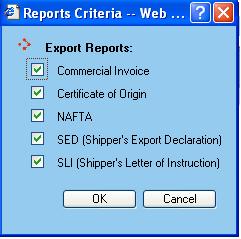
After creating the export documents and making appropriate changes, you can view the required documents by clicking on the View Docs button or by using the function key F9. WorldLink will display the list of all the available documents where you can select the desired ones.
If selected, WorldLink also checks that the selected Consolidation Group satisfies the conditions for NAFTA and SED/SLI. Upon clicking the OK button, WorldLink will open each document, one at a time, as a modal dialog. Documents have been created using Crystal Reports.