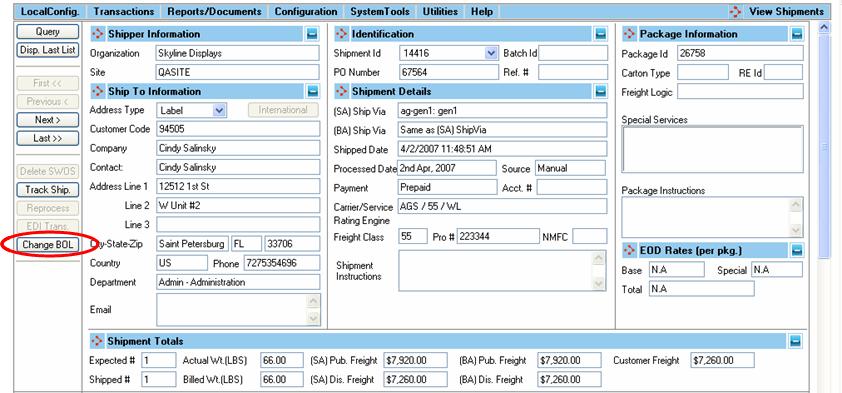
There are several ways to view LTL Shipments:
• Select Transactions | View Shipments
• From Transactions | BOL Explorer, select a BOL and press View Ships.
• From Transactions | Archived Manifests, select View button to see posted shipments
• From Transactions | Archived BOLs, select a BOL and press View Ships. to see the posted shipments associated with the selected BOL
When viewing a shipment associated with a Bill of Lading that has not been assigned to a Master Bill of Lading (manifest), you have the option to change the Bill of Lading that the shipment is assigned to by selecting the Change BOL button.
The following window will appear:
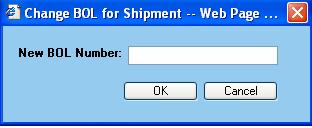
Enter the Bill of Lading number that the shipment should be assigned to and select OK.