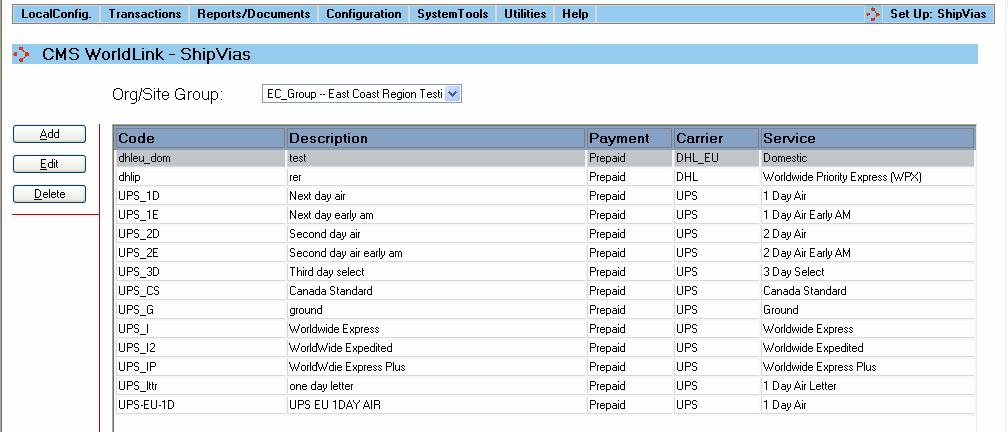
Select this menu option to manage the ShipVia methods for the carriers used by your business. The user will be presented with a display like that shown below:
The display area shows summary information about the ShipVias configured in the WorldLink system.
Org/Site Group: Click on the drop down box to view the ShipVia of a particular group
Available functions are:
Add - Click on this button to add a new ShipVia. The user will be presented with the ShipVia Dialog window.
Edit - Click on this button to edit an existing ShipVia. The user will be presented with the ShipVia Dialog window.
Delete - Click on this button to delete an existing ShipVia from the WorldLink system. The user will be prompted to confirm deletion of the ShipVia.