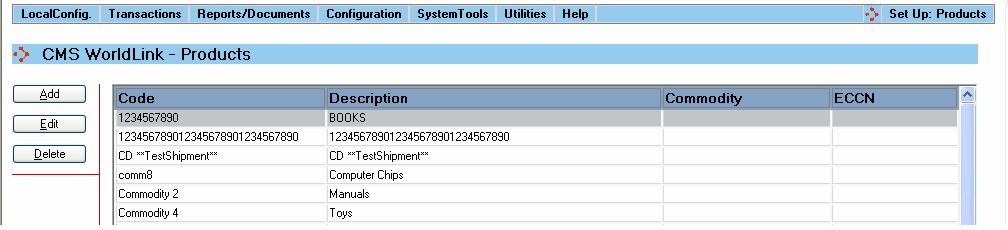
The Products support table allows for the entry of Products shipped by your business. The information entered here can help reduce shipment processing time for international shipments. Selecting this menu option produces a display like that shown below:
Summary information about the product is displayed in the main portion of the screen.
Available functions are:
Add - Click on this button to add a new product. The user will be presented with the Product Dialog window.
Edit - Click on this button to edit an existing product. The user will be presented with the Product Dialog window.
Delete - Click on this button to delete a product from the database. The user will be asked to confirm the removal of the product.