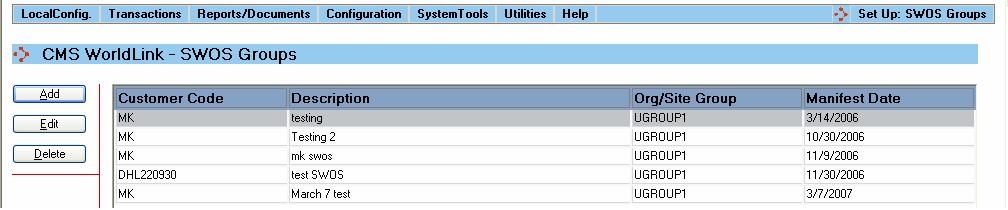
Managing Ship with Other Shipments (SWOS) Groups allows you to consolidate orders into groups by customer and date. This feature is useful when you want to put shipments on hold as packages are processed throughout the day for later consolidation. Selecting this menu option produces a display like that shown below:
The list of SWOS Groups and their respective codes is displayed in the main portion of the screen.
Available functions are:
Add - Click on this button to add a new SWOS Group. The user will be presented with the SWOS Group Dialog window.
Edit - Click on this button to edit an existing SWOS Group. The user will be presented with the SWOS Group Dialog window.
Delete - Click on this button to delete a SWOS Group. The user will be prompted to confirm removal of the selected SWOS Group.