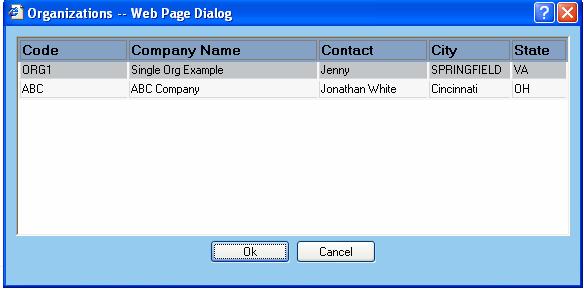
Organizations represent the companies sending out shipments. From the Select Organization menu option, the user can select which organization to use for processing shipments. Depending on the type of company using the WorldLink application, there could be many different organizations possible.
Simply double-click the organization of choice or highlight the option and click on the OK button. If you wish to cancel out of this process, click on the Cancel button. If a change has been made, a prompt to refresh the browser appears.